"A human being should be able to change a diaper, plan an invasion, butcher a hog, conn a ship, design a building, write a sonnet, balance accounts, build a wall, set a bone, comfort the dying, take orders, give orders, cooperate, act alone, solve equations, analyze a new problem, pitch manure, program a computer, cook a tasty meal, fight efficiently, die gallantly. Specialization is for insects." (Robert A. Heinlein)

Thursday, 15 September 2011

Test drive: Ubuntu 11.10 "Oneiric Ocelot" Beta On the EEEPC 900

Ubuntu's update season is coming again, with it's usual load of discussing (especially about the famous “disappearing” menus). As every season I started my tour of live version testing with the hope this new release will mature enough to convince me to leave the old 10.04 (LTS) I still have on my EEEPC. So I downloaded the new Ubuntu disk image and prepared a bootable USB drive using, as usual, the tool Ubuntu itself provide.

First impressions

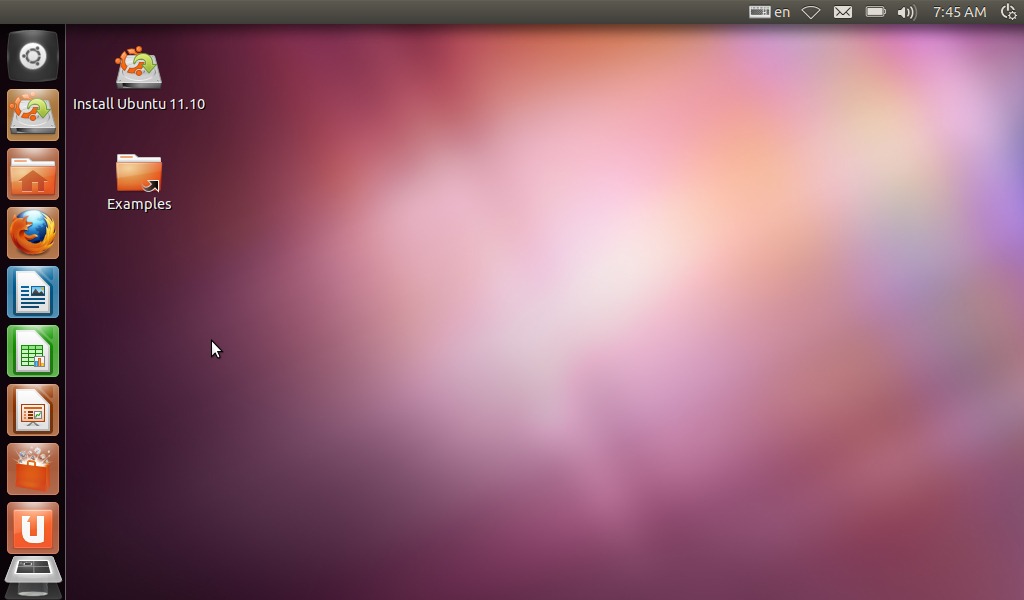
Here is how Ubuntu 11.10 looks like

Wednesday, 7 September 2011

Mono-develop on the EEEPC 900

Mono, like many of you certainly know, is the Open source development framework compatible with Microsoft's .NET. I usually work with Java and know almost nothing about .NET or Mono, I so decided to install Mono and it's integrated development environment Mono-develop on the EEEPC to give it a look.

Why mono?

Is not a secret that the use of Mono is widely criticized in some Linux environments mainly because the risk of having to deal with Microsoft's software patents … Software patents risk mustn't be underestimated but, on the other hand, I think that a programmer shouldn't ignore a widely used framework like .NET and Mono is a cheap way to learn about it.

Installation and first project

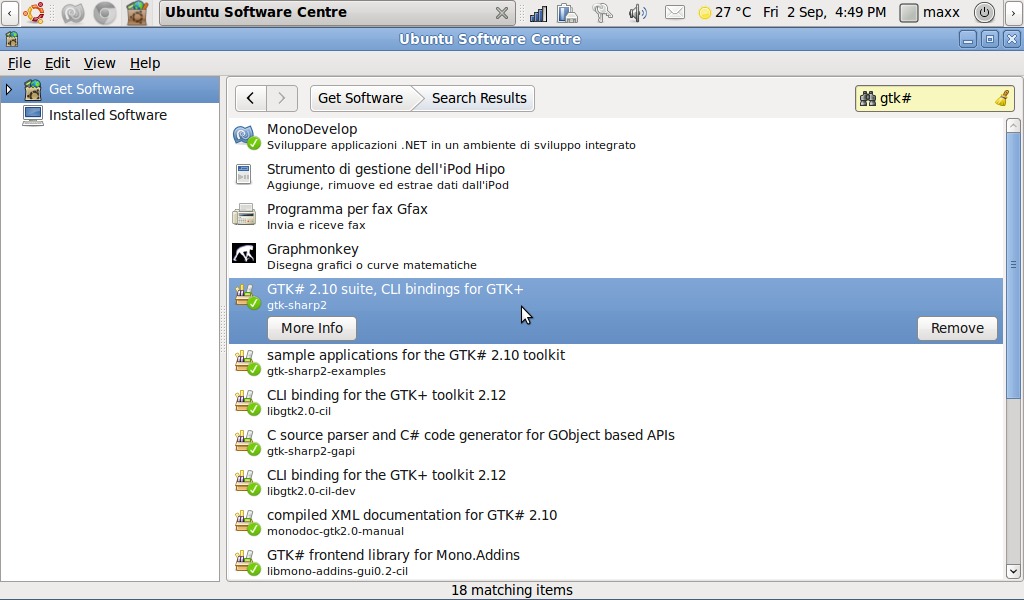
Installing Mono is a quite trivial task: just matter of looking for it in the Ubuntu software centre. To develop applications with graphic user interface GTK# libraries must be also be installed.


Thursday, 28 July 2011

Random blog post title generator with Polygen

After so many “Test drive:” blog post I sometimes feel that my writing has become too much repetitive. I so decided to have some relax and, with a little of self-irony, I'll try writing a random blog post generator using Polygen. Writing a full post generator is a huge task: as you start decomposing a phrase structure the number of options literally explode. So let's start just with generating the post title.

A top down approach

The top-down approach is the one I find more natural while dealing with a Polygen grammar, so let's start with defining the very basic structure of a blog post
S ::= Title "\n"^
Body "\n"^
Tags;
the “\n” string is a new line escape character while the “^” operator tells Polygen to concatenate without adding spaces (To avoid a new line starting with a space).
We'll set the “Body” symbol to an empty preposition and forget about if (at least for the moment).
Body ::= _;
Titles for “review style” posts are usually something like “installed some-program on some-system”; this can be written, in Polygen grammar language, like following:
Title ::= Action (Program ("on the" Computer | "on" Os | "on the" Computer "and" Os) | Os "on the" Computer);

Wednesday, 6 July 2011

What would you do with a HP Omnibook XE2?

Sometimes I bring home old computers like other people bring home stranded pets. I've been given from a friend an old HP Omnibook Xe2 laptop. It's a 333 MHz Celeron based computer with 64MB RAM and a 12'' screen. It was a decent hardware configuration … twelve years ago. Of course the first question that came up has been: “Can I run Linux on it?”.

Wary or Lupu?

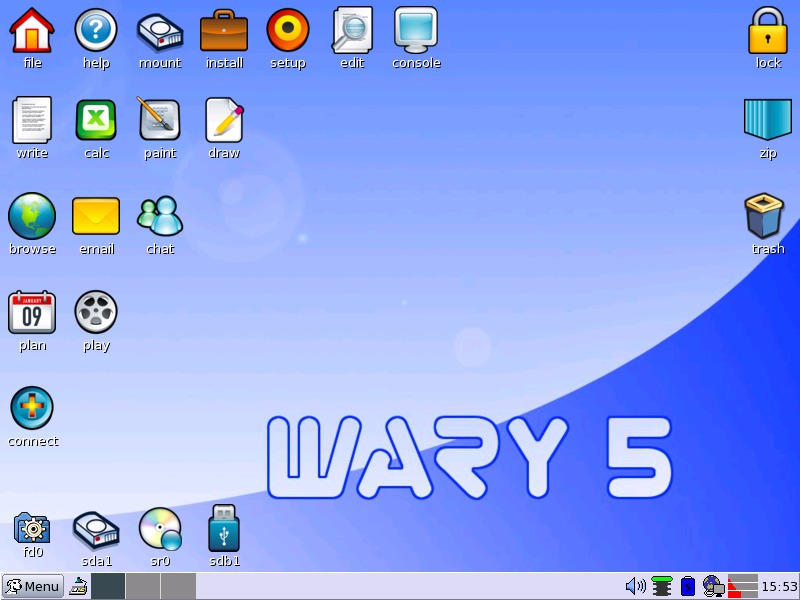
Speaking of old computers Puppy Linux is probably the most famous solution. Two version are actually available at Puppy's download page: the Ubuntu-Lucid based “Lupu” (V.5.2.5) and the more traditional “Wary” (5.1.2). I downloaded both but, unfortunately, while testing the distributions in live mode from CD Lupu showed some problem locking the system every now and then. I so went for installing Puppy Linux “Wary”.

Wednesday, 8 June 2011

Netbeans 7.0 on the EEEPC 900

As some of my readers may already know I use the EEEPC also as a highly portable development environment. Netbooks aren't meant for heavy writing tasks like programming but having a handy development environment ready to experiment what you have just read on an e-book is a priceless feature for a programmer like me. (let me add that I doubt that e-readers or tablets will ever able to provide such feature). I so decided to upgrade Netbeans, Sun's (now Oracle's) development environment to the latest version (from 6.9 to 7.0).

Installation

Installing Netbeans is a quite simple task: I downloaded the self extracting script from Netbeans download page, made it executable:
chmod +x netbeans-7.0-ml-javase-linux.sh
and executed it as super user
sudo ./netbeans-7.0-ml-javase-linux.sh
Super user is only needed if you want install Netbeans in a path available to all users, you can execute the installation script normally and install Netbeans in your home folder.
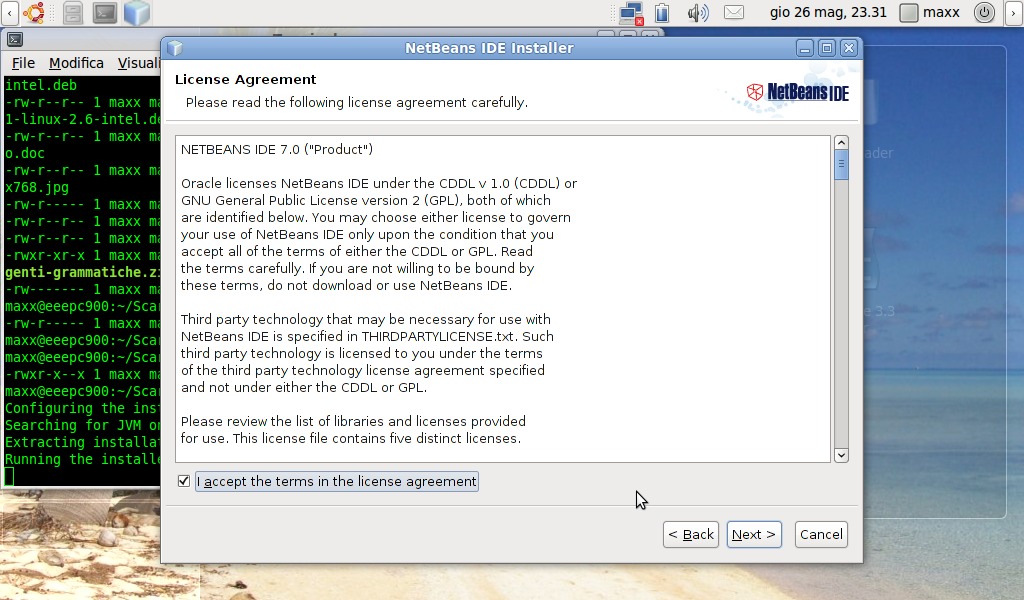
As the installation application starts it welcomes you, as usual, with a couple of friendly license agreements