"A human being should be able to change a diaper, plan an invasion, butcher a hog, conn a ship, design a building, write a sonnet, balance accounts, build a wall, set a bone, comfort the dying, take orders, give orders, cooperate, act alone, solve equations, analyze a new problem, pitch manure, program a computer, cook a tasty meal, fight efficiently, die gallantly. Specialization is for insects." (Robert A. Heinlein)
Showing posts with label Arduino. Show all posts

Tuesday, 14 August 2012

Arduino: playing with LCD displays


My experimenting with the Arduino board is continuing even if I'm not gone so far from trying provided example sketches. That's why I'm writing so little about it. I recently got a couple of LCD display modules based on the Hitachi HD44780 chip, that is the most widely used character LCD standard.

Setting up the circuit

Connection the Arduino to a LCD display module is quite easy, four wires carry the data while two more (Enable and R/S) handle the control signals. Of course you can use the Arduino digital pins you prefer to carry the task but using pins 5,4,3 and 2 for data signals and pins 12 and 11 fro R/S and Enable pin respectively will let you test the provided examples without modification. Apart from connecting wires the only extra components needed are a couple of trimmers (small variable resistors) for LCD contrast and back-light intensity adjustment. Here how the whole circuit looks like (not different from what you can find on Arduino site examples.)


Friday, 28 January 2011

New toy on the desk: Arduino Ethernet shield

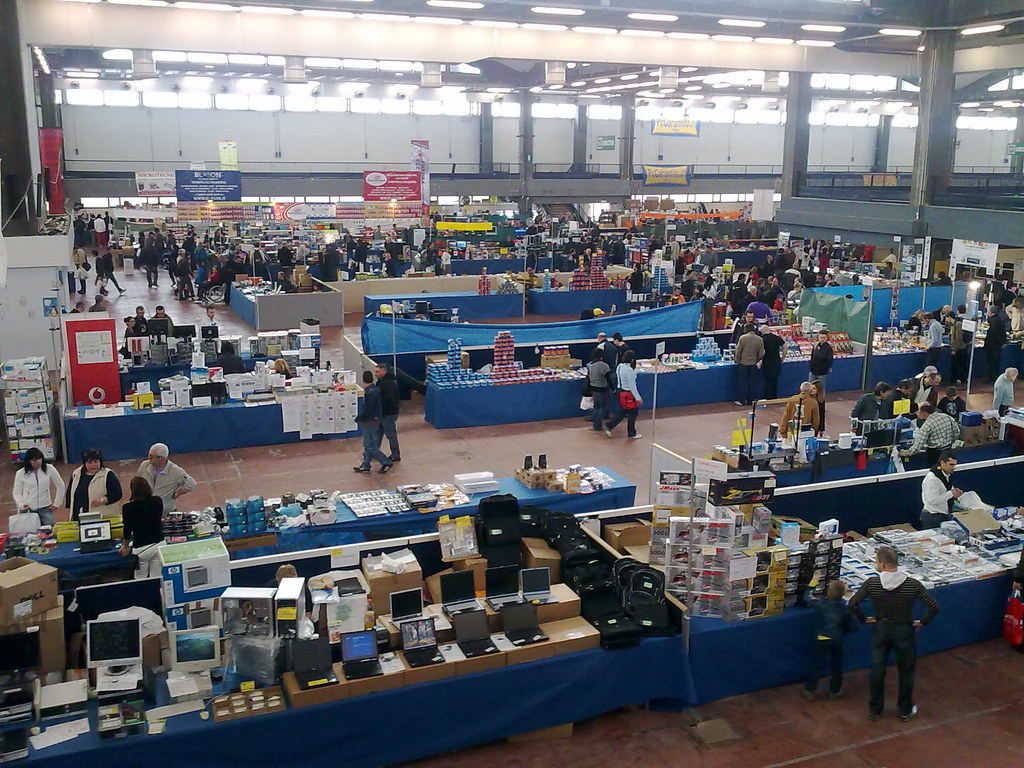
Let me start by saying that I've not forgot my Arduino board in a drawer, I've been mainly playing with the provided examples without producing something worth to be blogged. Working with hardware require more free time than simply experimenting with software; time that unfortunately I do not have (attaching your Arduino board to your computer while travelling by train is a bit impractical and make you look a little suspicious). By the way during the last electronic surplus fair, here in Genoa, I bought an Ethernet shield: a little board that connected, sandwich like, over the Arduino board give it the capability of connecting and communicating over a local network and even over the Internet if you configure your network the right way.

Friday, 30 April 2010

Sharing hardware projects with Fritzing

As I started with my first experiments with the, recently bought, Arduino board (I'm mainly reproducing examples provided with development software) I've also started looking for a good program for sharing circuit schematics. There are many Linux programs to draw circuit schematics, I played a little with KiCad for example, but usually these programs aren't suited for producing images to be shared on the net. This is not surprising if you think that usually a circuit CAD program is required to produce high quality output for printing (or plotting) of very complex hardware projects while my requirements were quite the opposite. What I was looking for was a program to easily produce low quality images of very simple circuits.

Fritzing

Fritzing is a open source tool specifically aimed to the documentation, sharing and teaching of electronic projects. I downloaded the Linux 32 Bit version from the download page and extracted it in "/opt/" folder:

sudo mv fritzing.2010.04.16.linux.i386.tar.bz2 /opt/
sudo tar xvjf fritzing.2010.04.16.linux.i386.tar.bz2
then I started it by executing the "Fritzing.sh" script

Tuesday, 20 April 2010

New toy on the desk: Arduino 2009

Sunday there's been, here in Genoa, the usual twice-a-year surplus fair where I'm used to go looking for some cheap and unusual hardware. I come back with, among various things, a little “Arduino Duemilanove” board. (“Duemilanove” stands for 2009 in Italian).

18042010169